

Someone reads your newsletter, clicks through, and decides to give. What happens in the next few screens decides whether that gift ever arrives.
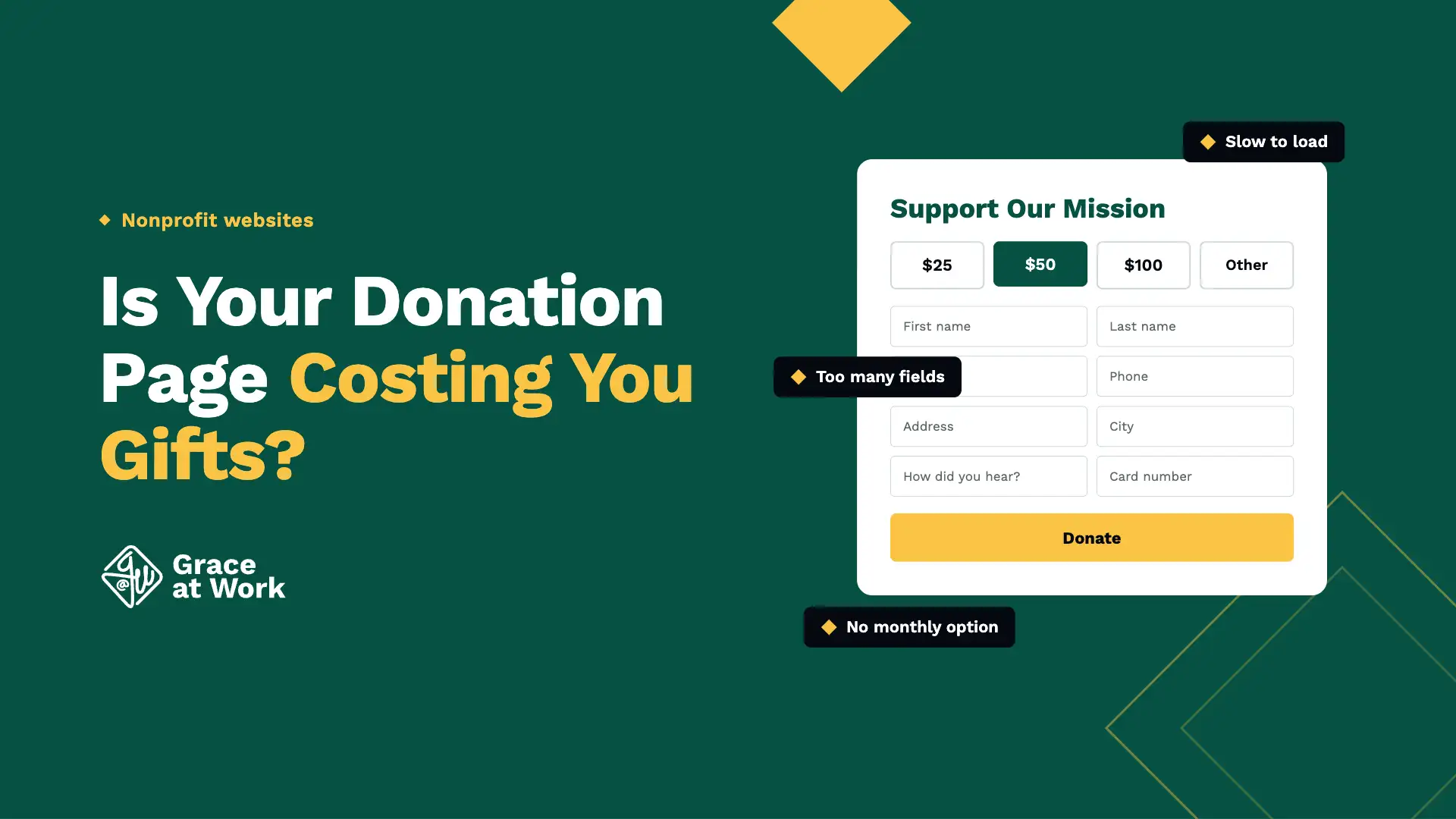
A donation page rarely loses gifts loudly. It loses them in small moments of friction: a button nobody can find, a form that asks more than it needs, a screen that fights back on a phone. Here are six of them, and what to look for on your own page.
01
The Donate Button Takes Looking For
A donor who arrives ready to give should not have to hunt for the way to do it. Put the button in your main navigation and on the home page, where it shows without scrolling. Label it with a plain word: Donate, or Give.
02
The Form Asks More Than the Gift Needs
Every extra field is another place to stop. Ask for the amount, a name, an email, and a card. A mailing address, a phone number, and how they heard about you can all be asked later, once the gift is in.
03
It Fights Back on a Phone
Many of your donors will see this page on a phone, one-handed, sometimes on a slow signal. Buttons should be easy to tap without zooming, and the amount field should bring up a number keypad instead of a full keyboard.
“
Open your donation page on your own phone and make a $5 gift to your own organization. Count the taps and count the seconds. Anything that makes you hesitate will stop someone who cares less than you do.
The five-dollar test
04
The Amounts Mean Nothing on Their Own
A row of numbers asks a donor to trust you with an abstraction. One short line beside each amount — what $25 covers, what $100 covers — gives them something to picture instead of a budget line.
05
Monthly Giving Is an Afterthought
A monthly gift of $10 is worth more across a year than a single $10 gift, and it is usually the smaller option at the bottom of the page. Put it beside the one-time choice, at the same size, at the moment the amount is picked.
06
The Thank-You Sounds Automatic
The confirmation page and the receipt email are part of the gift, not paperwork that follows it. Confirm the amount, say thank you in words a person actually wrote, and tell the donor what happens next.
Not sure where yours stands?
Tell us what you use today and what you are trying to do, and we will recommend the best solution for your organization.